Barcode verification
Reads the barcode on the back of state-issued IDs and checks age against the venue's entry age, offline.
Dieselfist
Scan, count and report from the door. Verification runs on the phone, offline, and the shift report keeps totals only.
When a scan or a card looks off, staff can open a reference card with the features to compare against a known-good ID: the ghost photo, the UV-visible seal, the tilt-shift image and the raised text. It is a guide for your staff. It does not decide whether an ID is genuine. Dieselfist does not authenticate IDs.
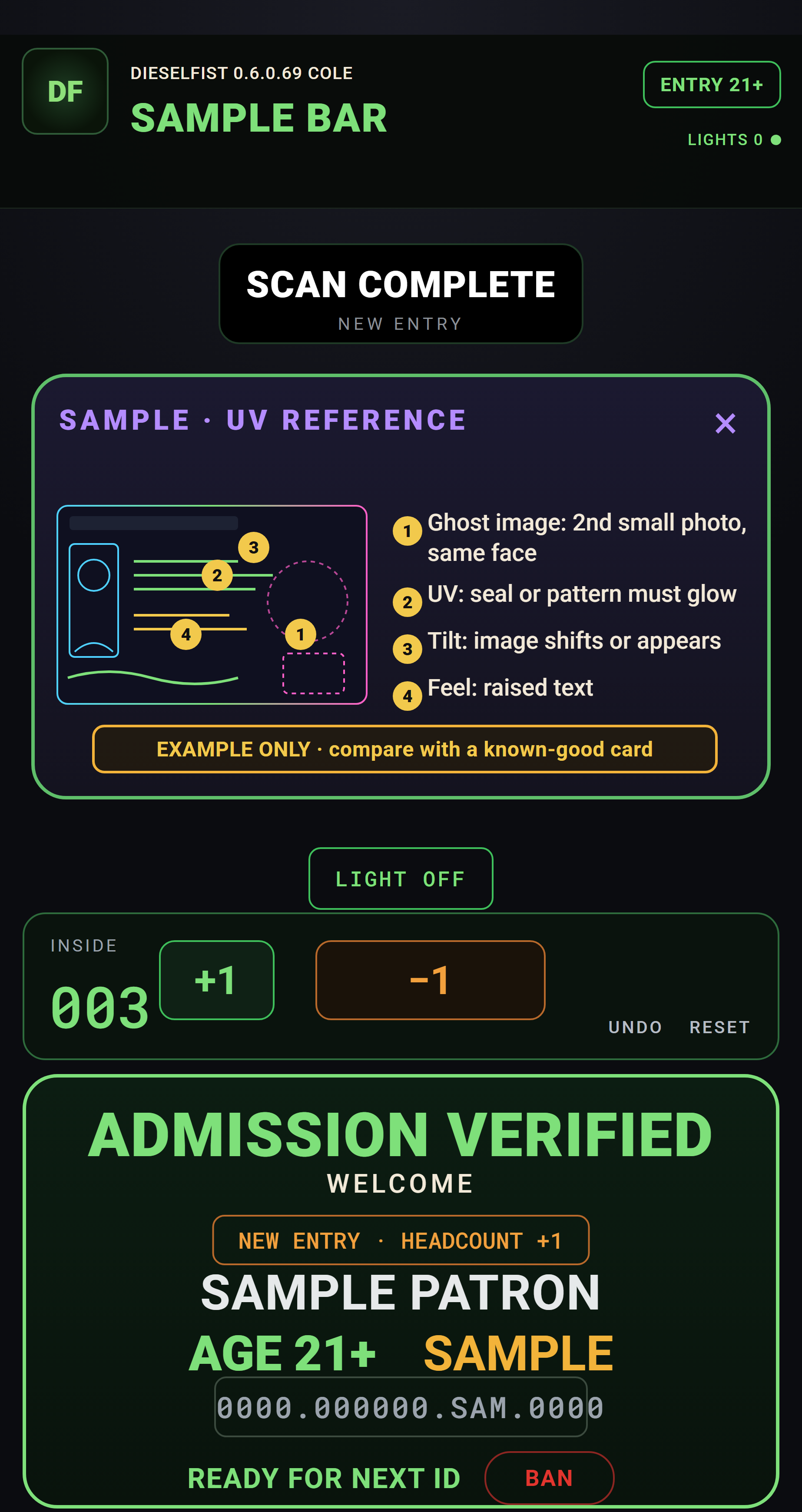
Reads the barcode on the back of state-issued IDs and checks age against the venue's entry age, offline.
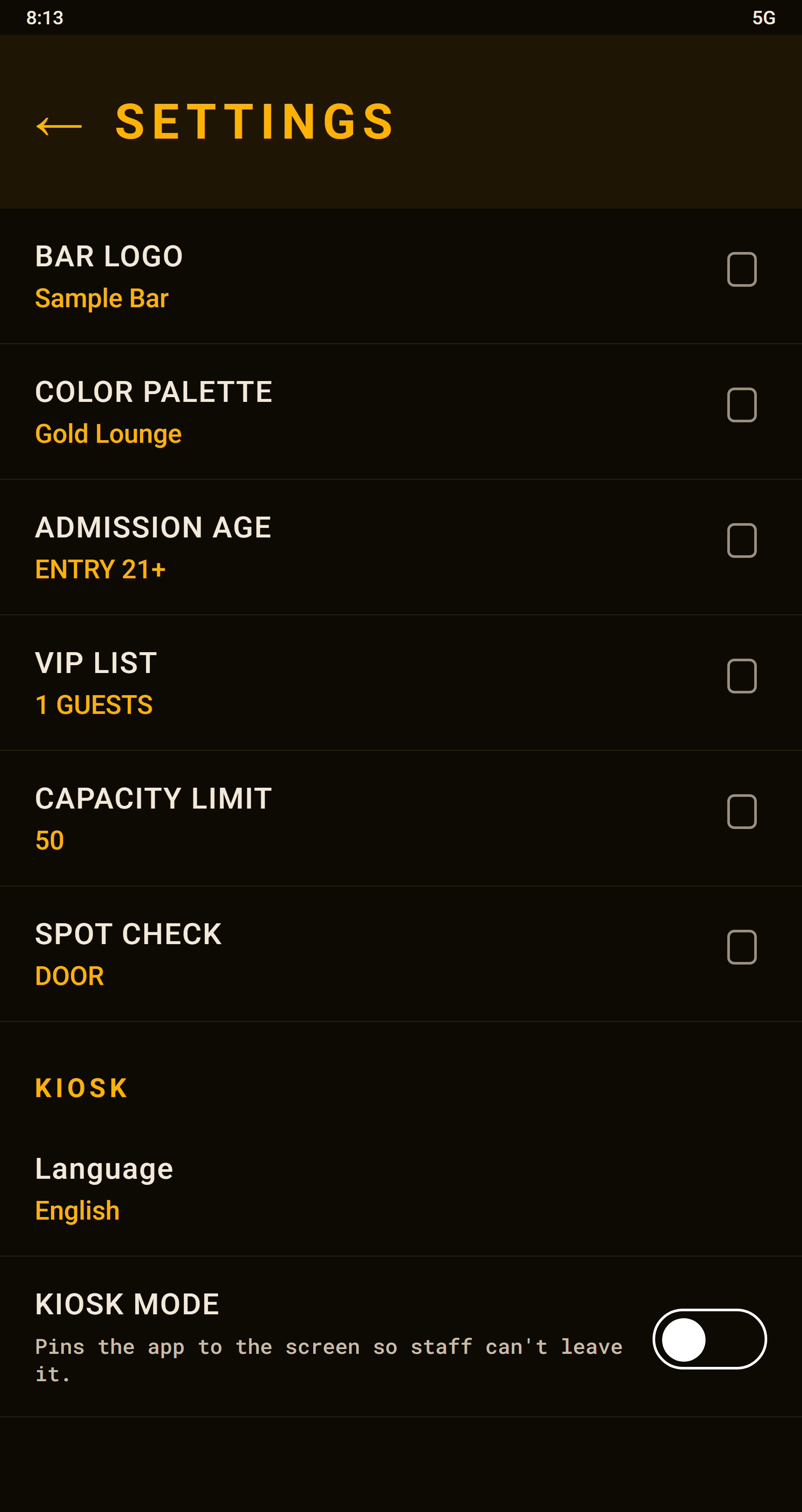
Entries, exits and people inside, against a capacity limit you set. Repeat scans are flagged.
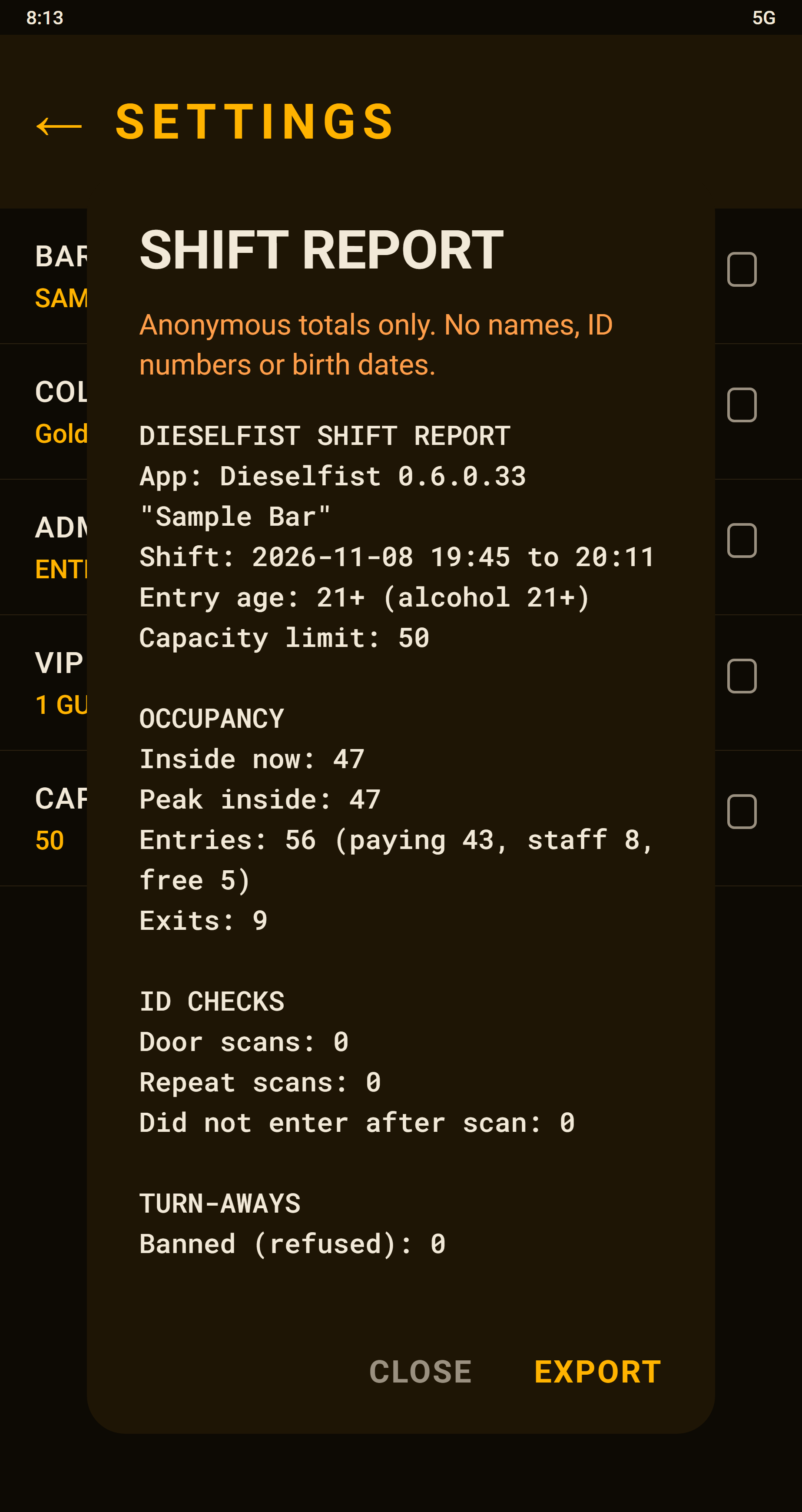
Totals for each shift. No ID photos stored. Scans clear in seconds.
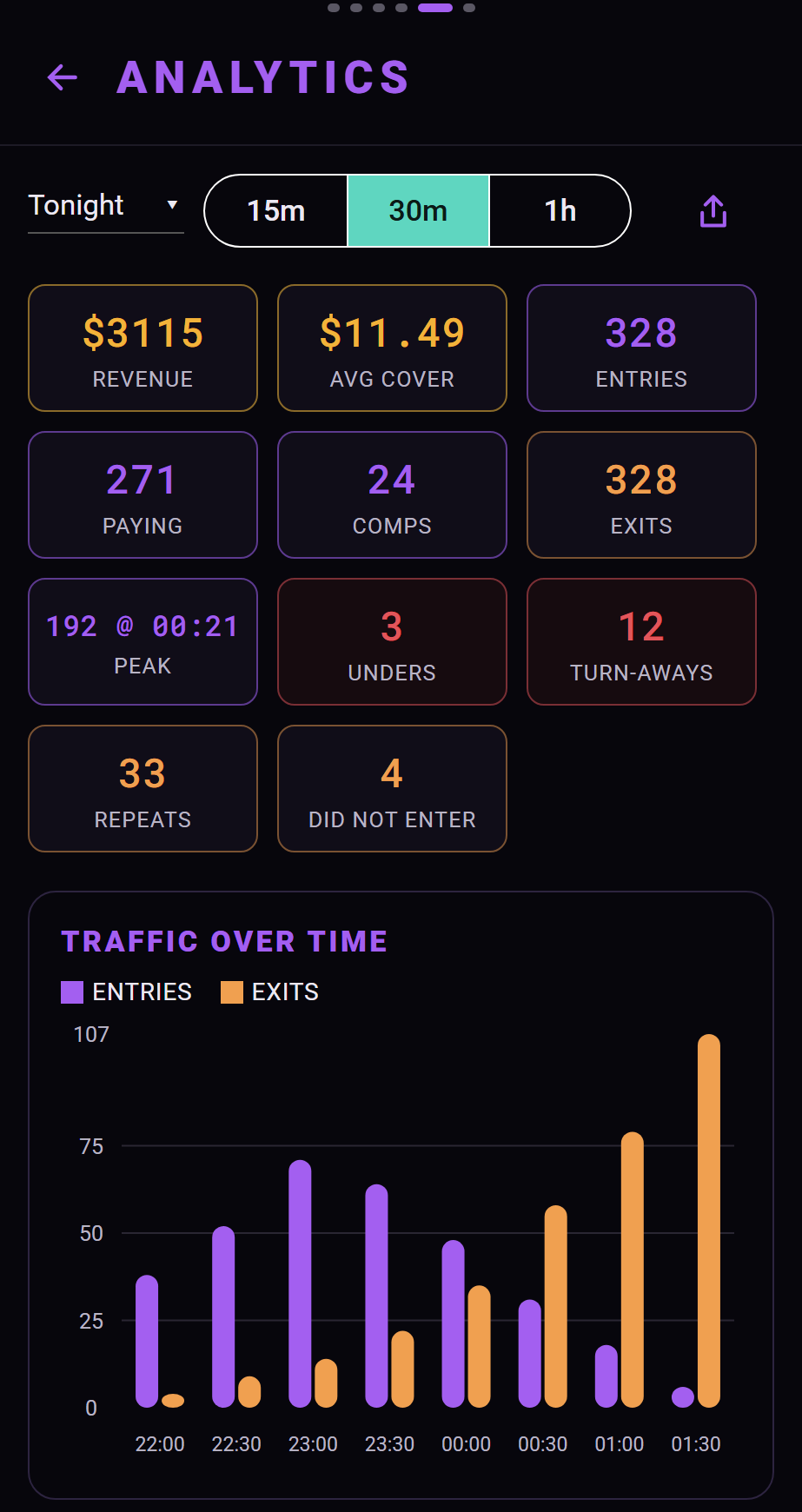
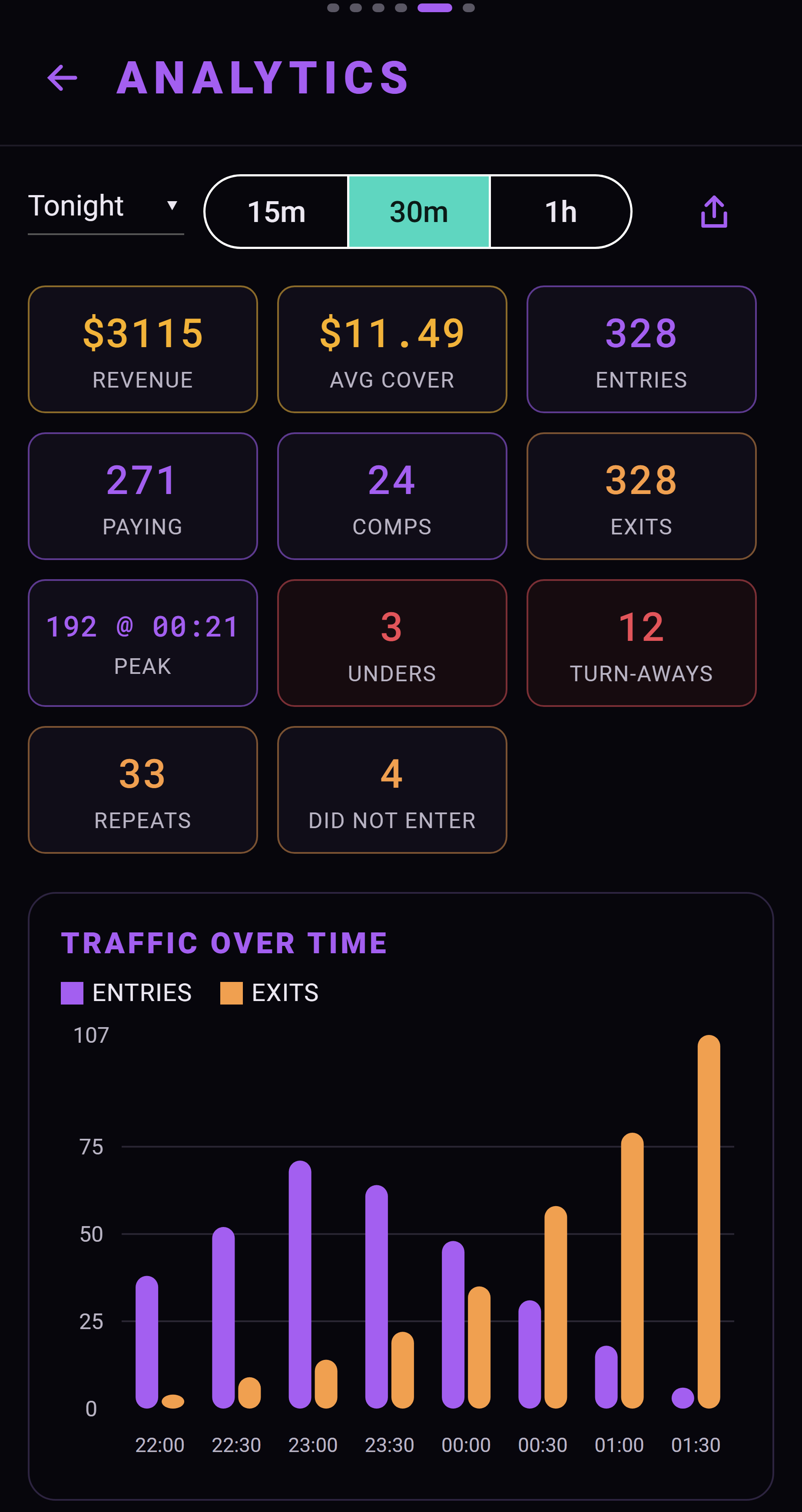
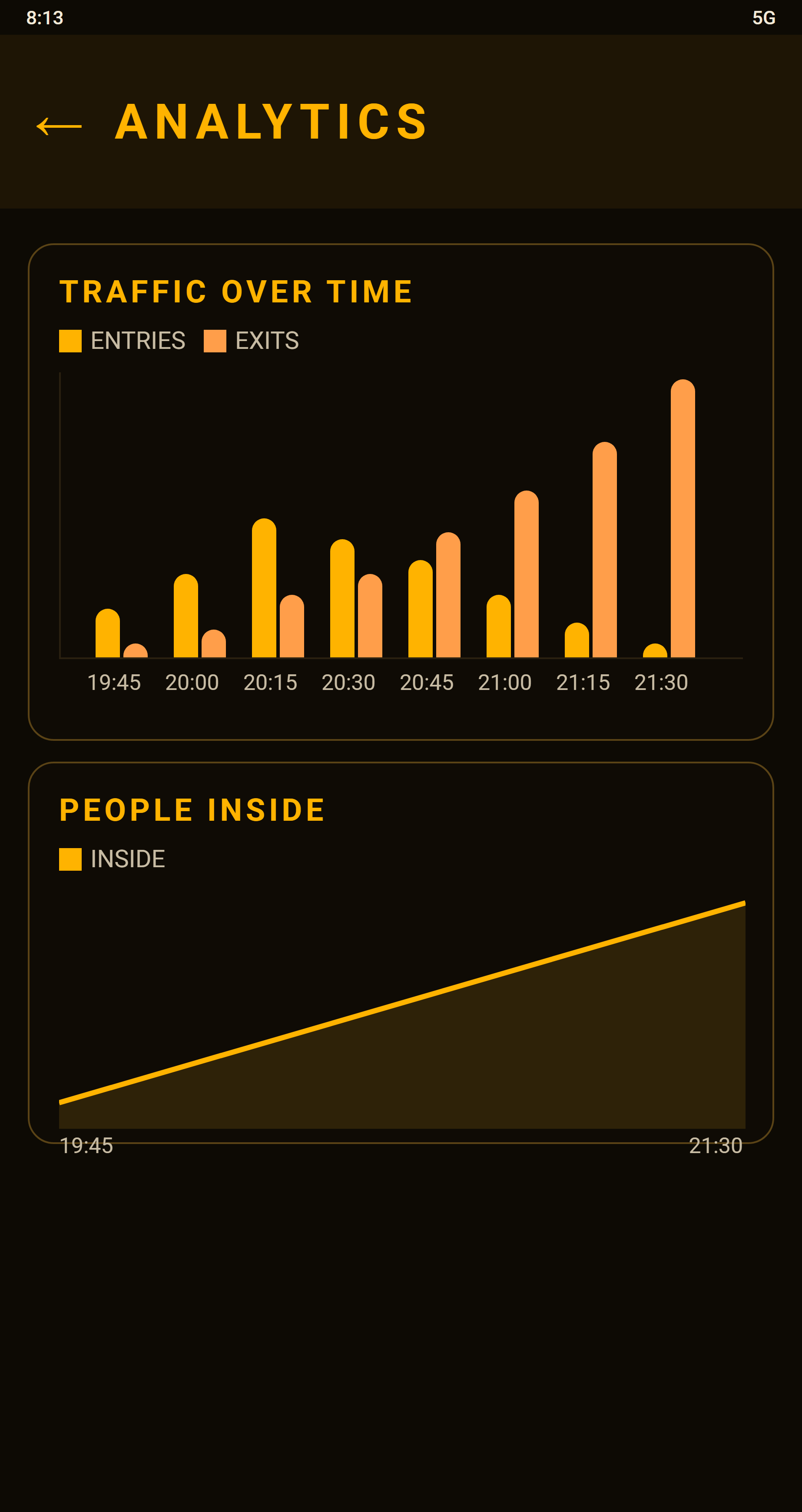
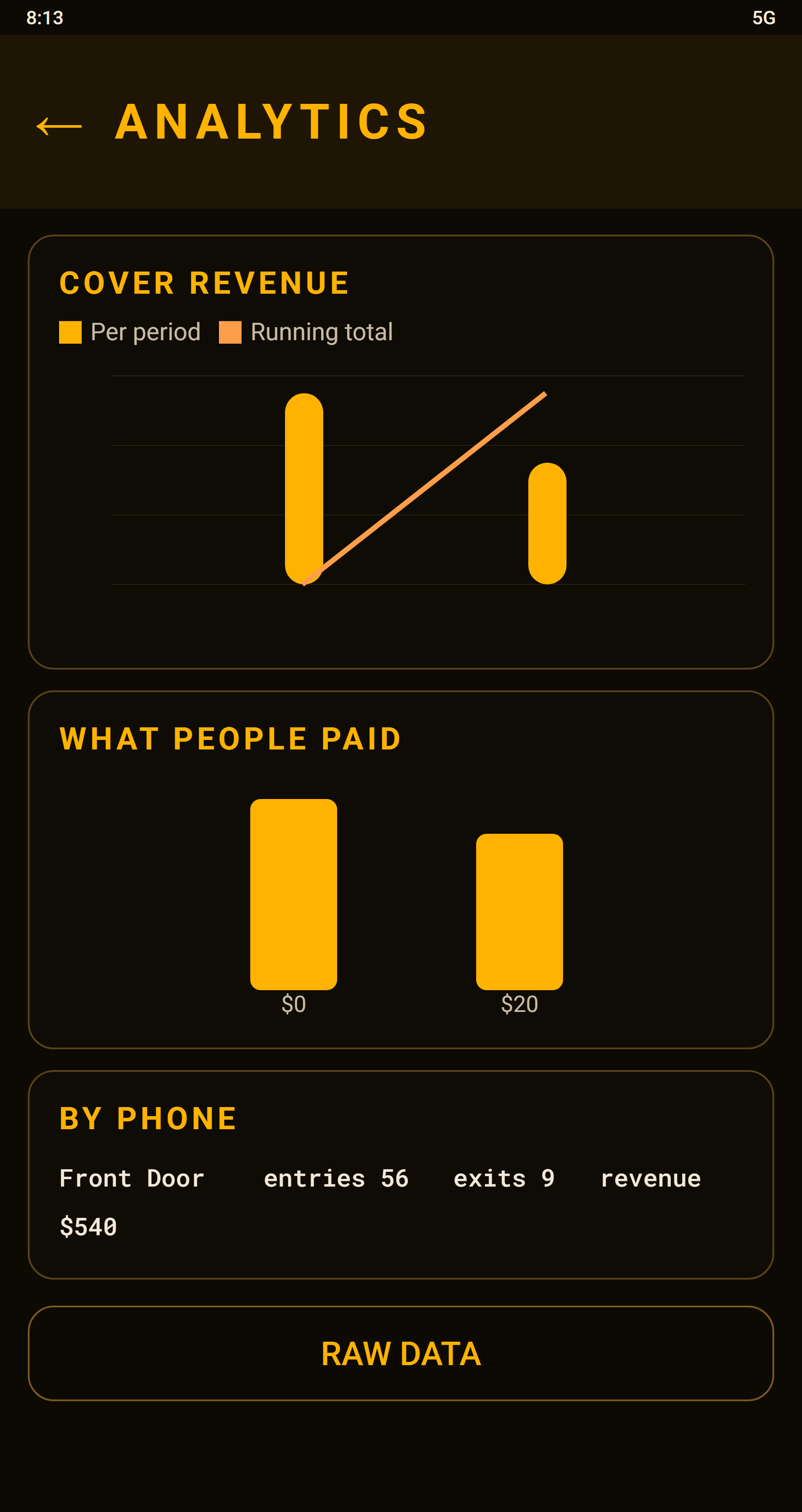
Traffic over time, cover revenue, what people paid and turn-aways, by 15 minutes, 30 minutes or an hour.
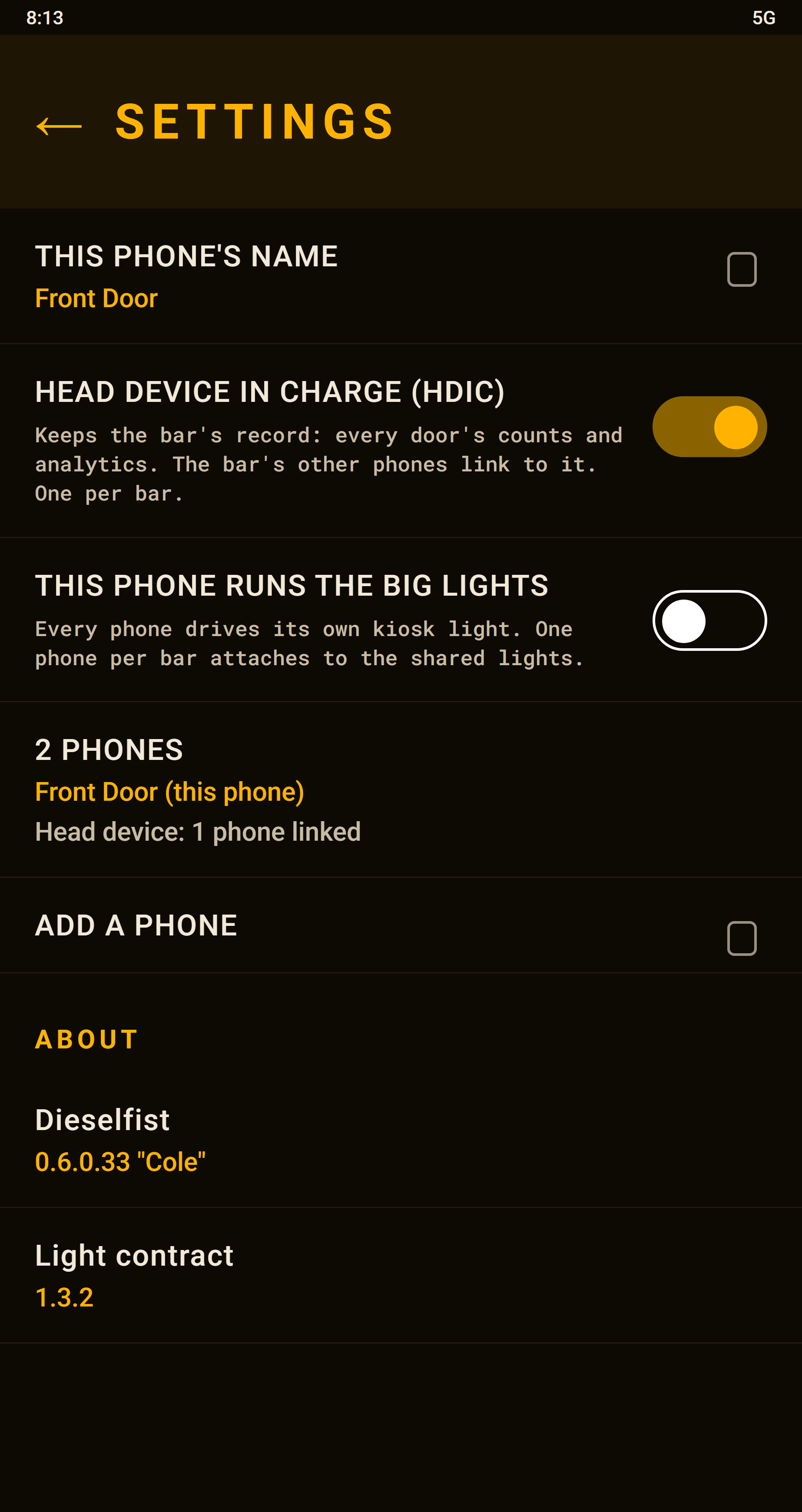
One phone holds the venue's record. Other phones at the same venue link to it and send their counts.
Connected lights show the verification result at the door, on Light and Pro.
Liquor rules differ by state, county and city. Check ID requirements, accepted IDs, hours, capacity and occupancy limits, whether your area is local-option or dry, and any rules on scanning or keeping ID data.
Dieselfist helps you verify age and track capacity at the door. It does not replace your legal obligations, and it does not guarantee compliance.
Check with your state liquor control agency and your local authorities: county or city licensing, and the fire marshal for occupancy. If you're unsure, talk to your own attorney.
Get the free Android app, or talk to us about a setup for your venue.